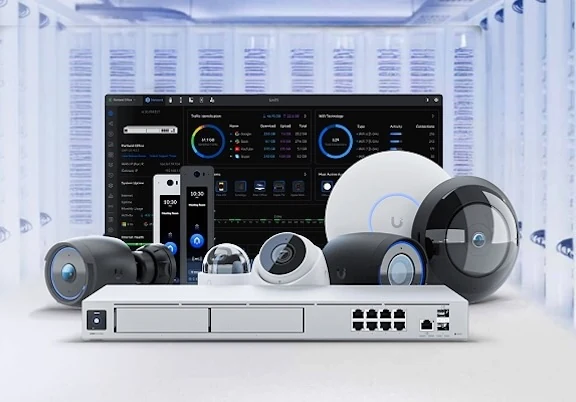
Surveillance cameras
Select camera locations around the view each position needs to provide.

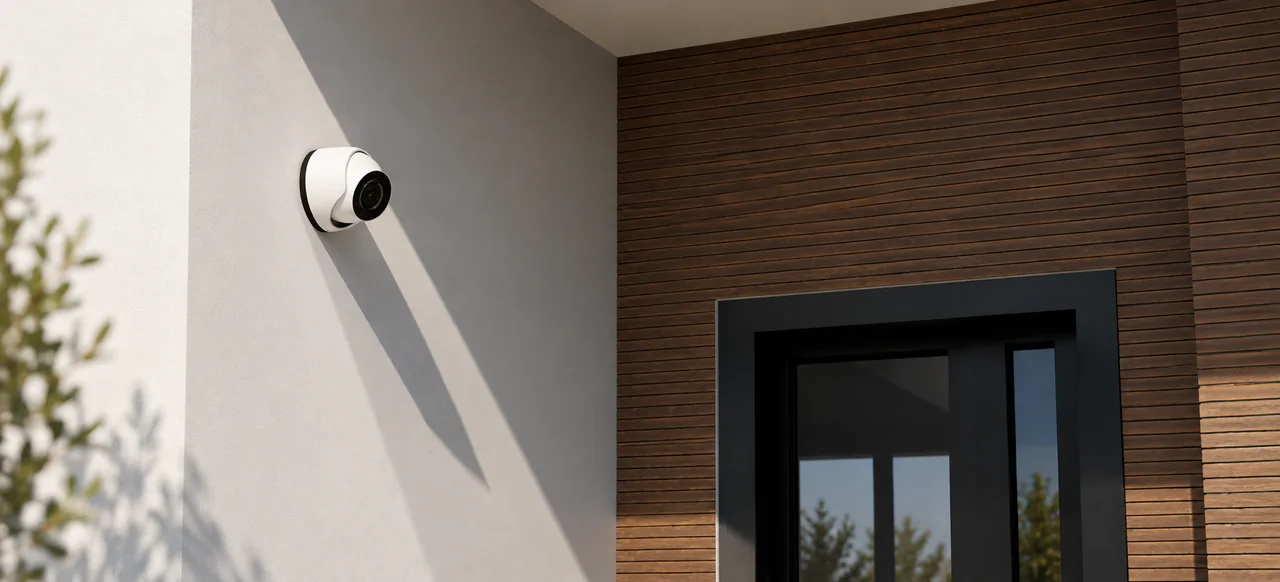
TLV designs integrated residential surveillance and security technology for better awareness at home and while away.
Discuss your projectSelect camera locations around the view each position needs to provide.
Consider video doorbells and entry views where they suit the project scope.
Define how supported cameras record and how footage can be reviewed.
Provide access to supported camera systems while the homeowner is away.
Coordinate connectivity, power and equipment with the home network.
Balance useful sightlines with architecture, finishes and mounting conditions.
Connected alarm monitoring through Alarm.com, with clear monthly pricing and room to add supported security functions as needed.
| Feature | Essential$29.95/moEnroll | Complete$39.95/moEnroll | Premium$49.95/moEnroll |
|---|---|---|---|
| 24/7 professional monitoringCellular communication, alarm signal response and emergency dispatch coordination. | |||
| Mobile appRemote arm/disarm, system status, alerts, notifications & sensor activity | |||
| Door & window protection | |||
| Advanced sensor monitoring | — | ||
| Lock, garage & home automation integration | — | — | |
| Security camera monitoring available | — | — | OptionalAdditional cost |
Alarm.com supports the broader connected-security experience, while UniFi Protect provides a focused surveillance platform.
End-to-end coverage considers:
App and security interfaces for supported connected-security systems.
Explore Alarm.comCameras, recorded video and remote viewing within the UniFi ecosystem.
Explore UniFi ProtectCamera and entry systems depend on appropriate wiring, power and network design. Selected functions may also connect with broader home control.
Supported systems can provide remote viewing when the property network and internet connection are available.
Placement follows the areas the homeowner needs to see, along with sightlines, lighting, mounting conditions and the architecture.
Many professionally planned cameras benefit from wired network and power connections. Requirements depend on the selected system.
Yes, when practical cable routes, mounting locations, power and network capacity are available.
Some supported functions can integrate, depending on the selected platforms and clearly defined project scope.
Review the areas that matter, the views required and the infrastructure needed to support them.